July 4, 2026
Useful tips for running open-source models on Google Colab
article.mdx
ai-video-pipeline-colab-preview.gif
Context
I was running a personal pipeline to generate videos automatically from a script. The idea was simple: an LLM reads the text and breaks the narrative into scenes, Kokoro TTS generates the narration, and LTX-2 generates each video clip from the prompts.
Everything ran inside Google Colab, using an A100 GPU. The pipeline worked, but it was slow: almost 15 minutes for a video with 11 scenes.
The main bottleneck: loading the model over and over
The problem was not only video generation itself. The real bottleneck was that each scene called LTX-2 in a separate subprocess through the command line.
That meant the model was loaded from scratch for every scene.
LTX-2 relies on large components, including a transformer, a text encoder, and a spatial upscaler. Loading all of that repeatedly is expensive. Instead of paying that cost once, the pipeline paid it 11 times.
The main optimization was replacing the subprocess call with a direct Python call, instantiating the pipeline once and reusing the same object for all scenes. With the weights already resident in GPU memory, each new scene mostly pays only the inference cost.
That was the biggest performance gain in the whole process.
Other useful optimizations
I also made a few smaller changes that improved quality and predictability:
- Resolution became configurable, while respecting the model requirement that width and height must be multiples of 64.
- I started generating a few extra frames at the end of each scene to avoid blurry final-frame artifacts.
- I improved the final video encode with a slower preset and lower CRF, since encoding was a tiny fraction of the total runtime.
- I adjusted Kokoro TTS to use the GPU when available and to trim excessive silence from the generated audio.
xFormers: trying to speed up attention
After the main optimization, I tested xFormers, a Meta library with optimized kernels for attention operations in transformers. In simple terms, it can speed up internal parts of large models, especially on CUDA GPUs.
Installing xFormers in a PyTorch environment requires care.
The first issue was that installing the package without pinned versions changed dependencies such as torch, torchvision, and torchaudio. These libraries need to stay aligned to the same version and CUDA build. Otherwise, strange errors can appear in places that look unrelated. I sent the error to GPT-5.5 and Opus 4.8, but neither identified it on the first try. I had to go back to the good old Stack Overflow, hehe.
The second issue was more subtle: xFormers installed, but the wheel was not compatible with the PyTorch version in Colab. The notebook did not fail, but the optimized kernels were not actually active. The only signal was a warning in the logs.
That reinforced an important rule: warnings in AI pipelines are not decorative. Sometimes they mean the optimization you think you are using is not running at all.
The GPU changes the result
Another thing that became clear while testing is that xFormers does not help equally on every GPU.
On an A100, it can make a real difference because some attention operations benefit from those optimized kernels. On an H100, recent PyTorch versions already use native optimizations such as Flash Attention in several cases, so the additional gain can be small.
You cannot assume that an optimization is universal. You have to measure it on the actual hardware.
Hugging Face, Colab, and dependencies
In this kind of project, Hugging Face usually appears as the hub where models, tokenizers, datasets, and checkpoints are hosted. It is common to download open-source models from there or use ecosystem libraries such as transformers and diffusers.
Google Colab is the execution environment: it provides notebooks, Python, temporary storage, and access to GPUs. It is a huge help if you do not have strong physical hardware.
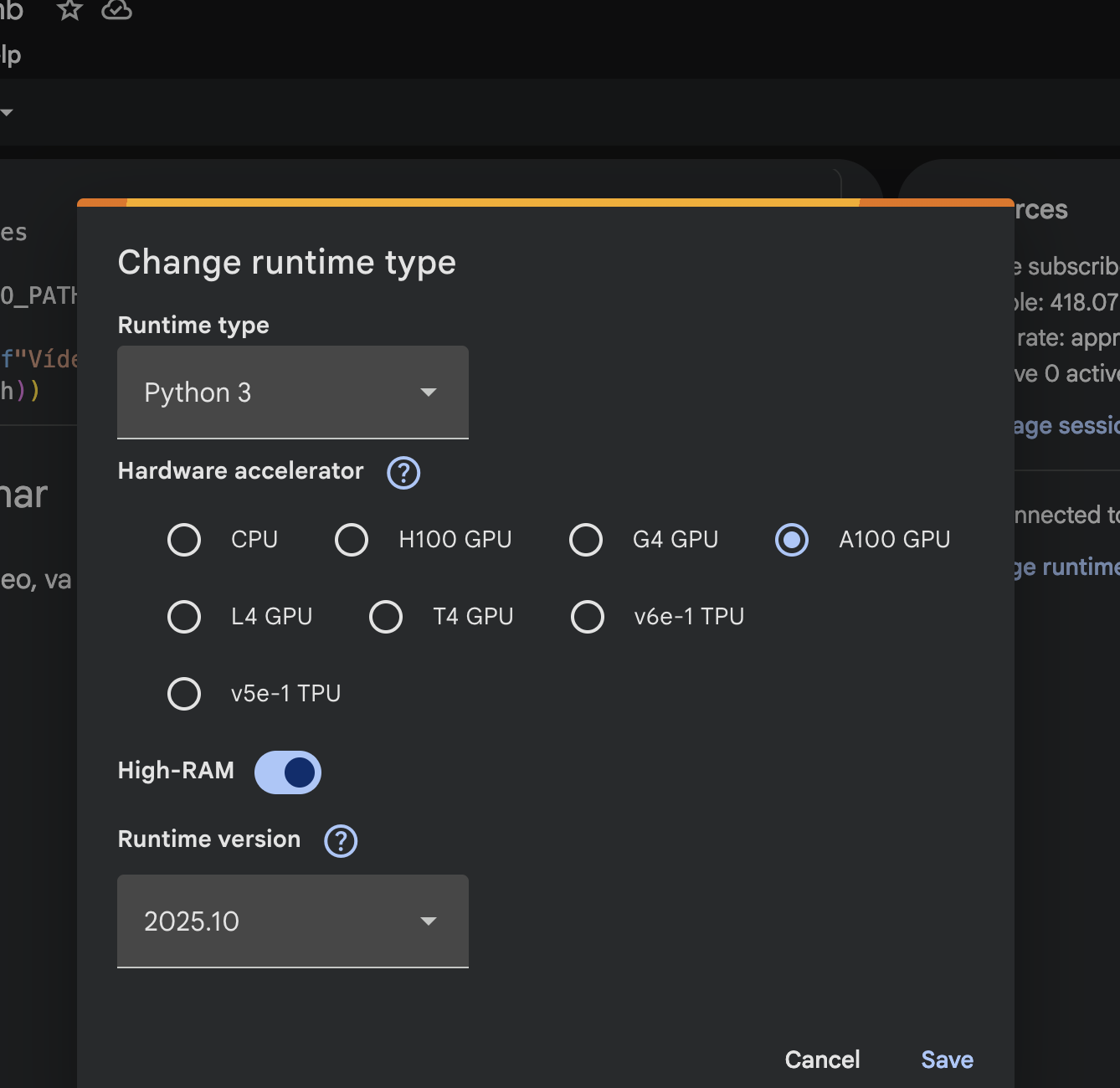
In my case, with about $40 in Unit Power pay-as-you-go credits, I was able to buy 1k Unit Power, and using an A100 GPU costs me 8.9 per hour. So it is very worth it for testing this kind of heavy pipeline without needing to invest in my own machine.
What I learned
The biggest gain came from changing the pipeline architecture: loading the model once and reusing it on the GPU.
After that came smaller optimizations around quality, audio, resolution, and encoding.
xFormers showed that low-level optimizations can help, but they also require more care with PyTorch, CUDA, and GPU versions. In the end, the main point is simple: before trying to speed up the model, look at the whole pipeline.